Audit Profile
What's the Audit Profile?
Audit Profile is a feature that enables the app to have audit users that can request access to RFx processes thru an Audit Document. Otherwise, this type of users will not have access to any information on RFx app.
It also registers some basic information about the Audit Process so Master Users can view comments and attachments of the audit on the RFx app.
Configuration
Audit User
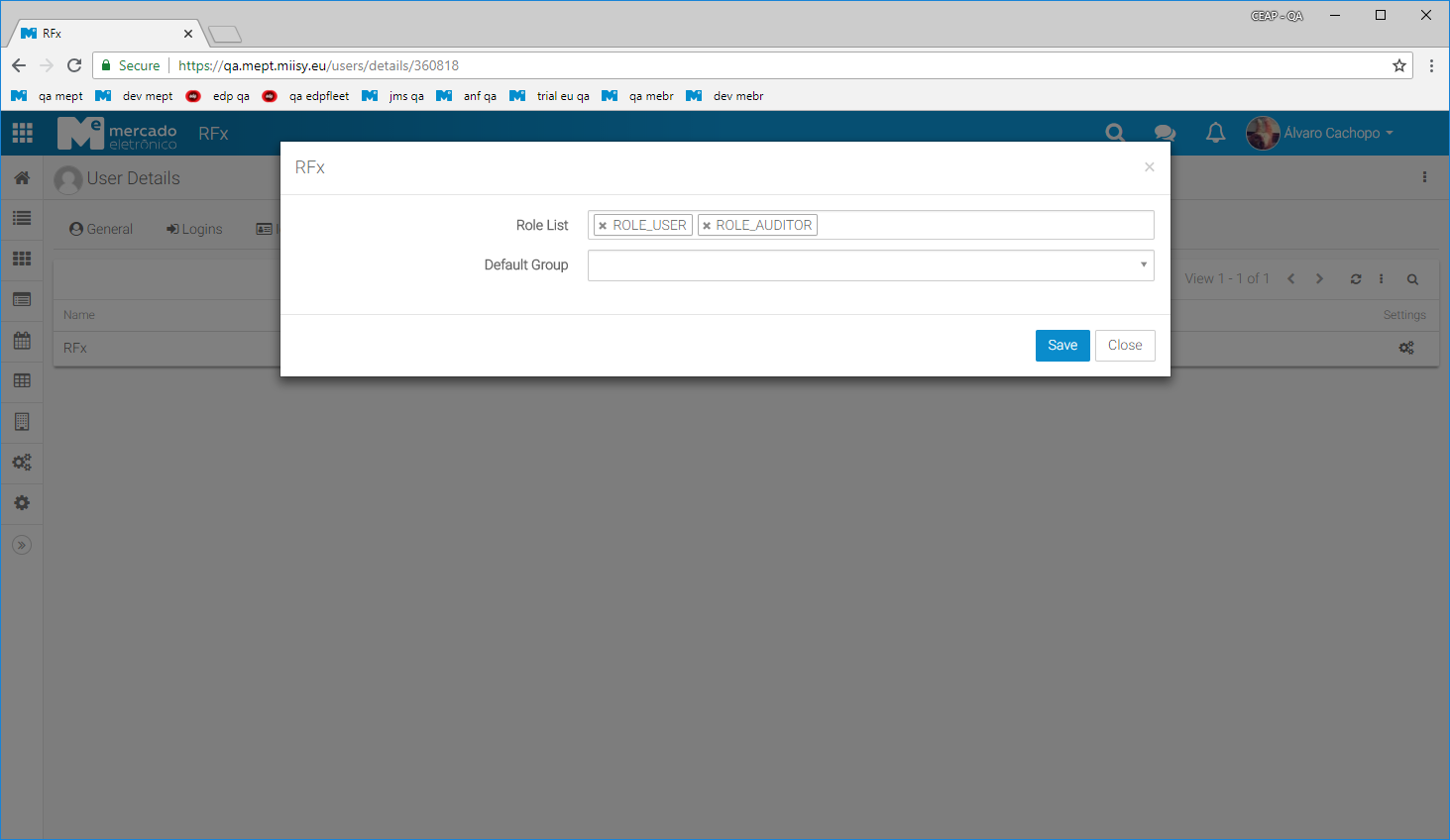
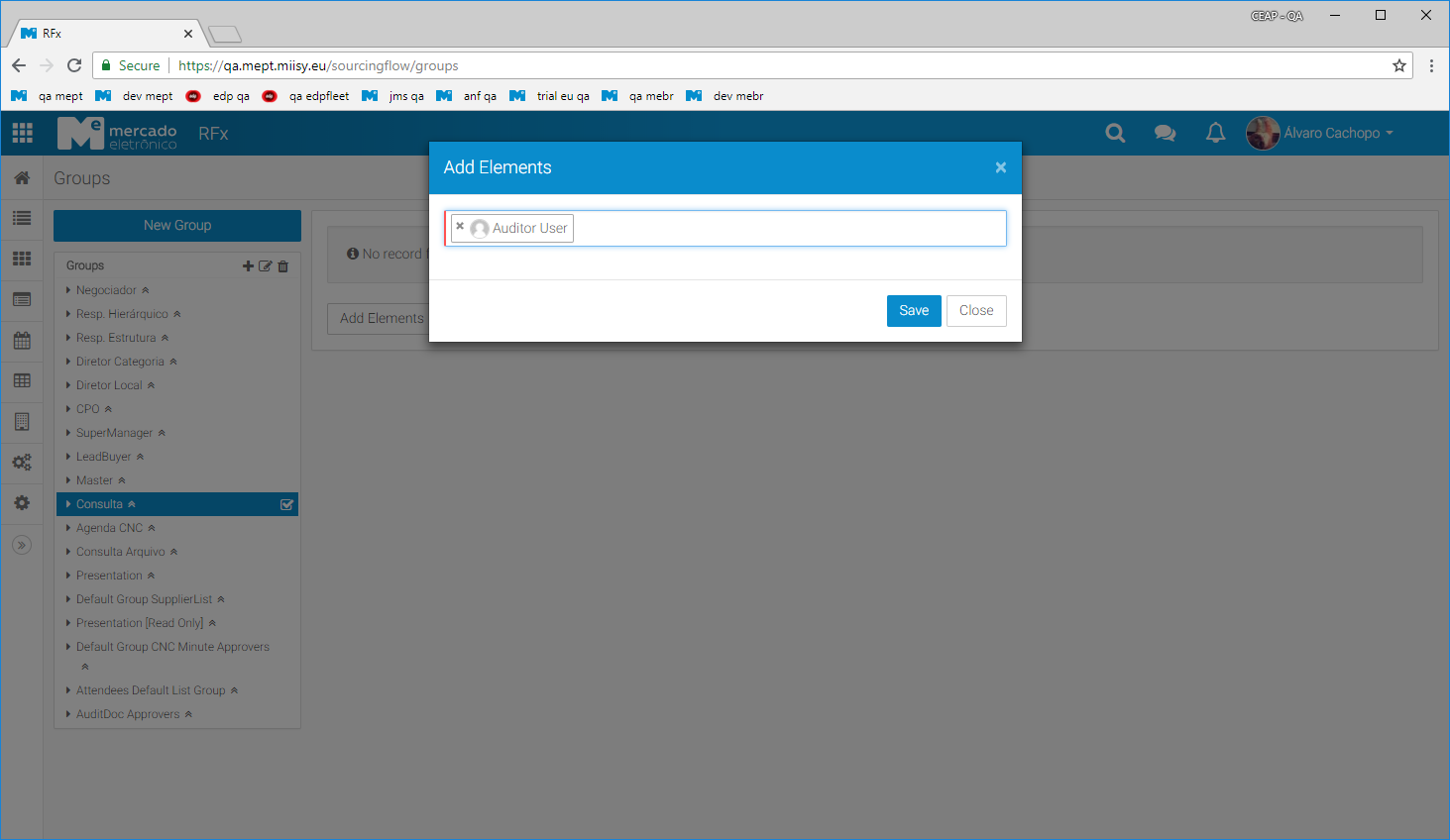
Audit users need to have the role "ROLE_AUDITOR" added to there app permissions (so they are able to initiate Audit Documents) They also need to be included on group "Consulta" so they are able to access the processes after the audit document is approved.
Approvers
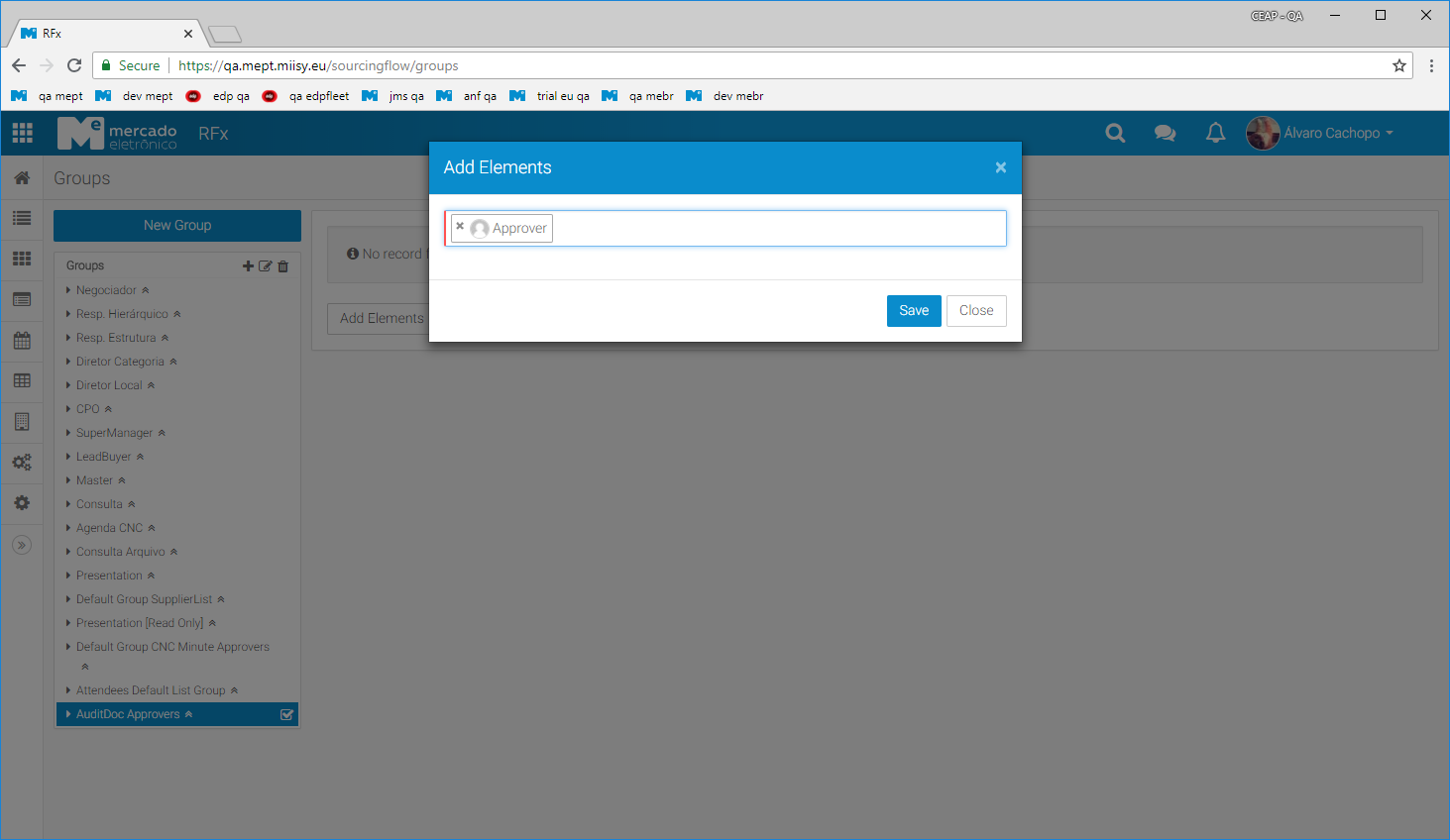
The approve pendency of the Audit Document is given to a group called "AuditDoc Approvers". To give a user permission to approve or reject an audit documents, just added them to this group.
Audit Document
The Audit Document is the type of document that will be created by the Audit User in order to ask for permission to access a RFx document and register information of the audit process.
Flow of the audit document
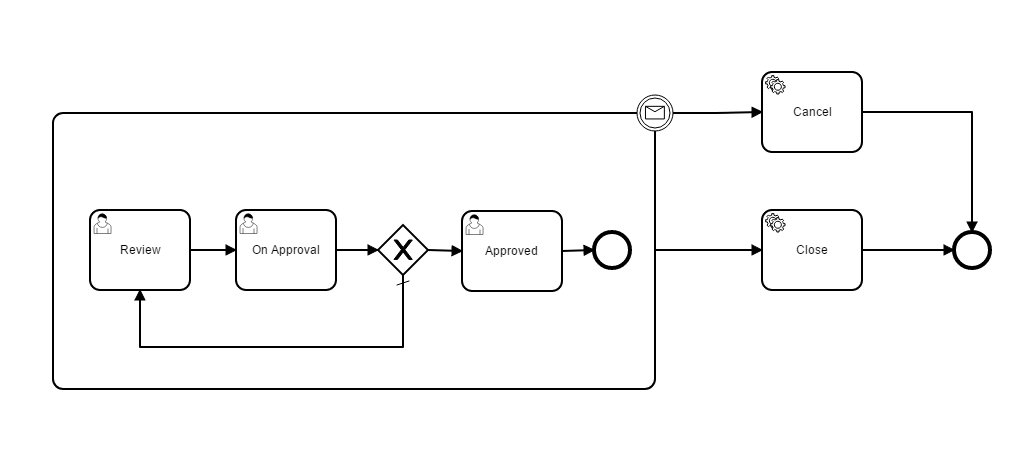
- Audit User - creates the Audit Document with the RFx Processes that they need access.
- Approve Users - Approve or Reject the Audit Document.
    - Approving sends the document to Approved state granting permissions to the RFx Process
    - Rejecting sends the document to the owner for reviewing.
- Approved Audit Documents are closed when the audit is finished.
- Master Users can cancel any Audit Document at any time.
Creating the Audit Document
- Access the AuditDoc list
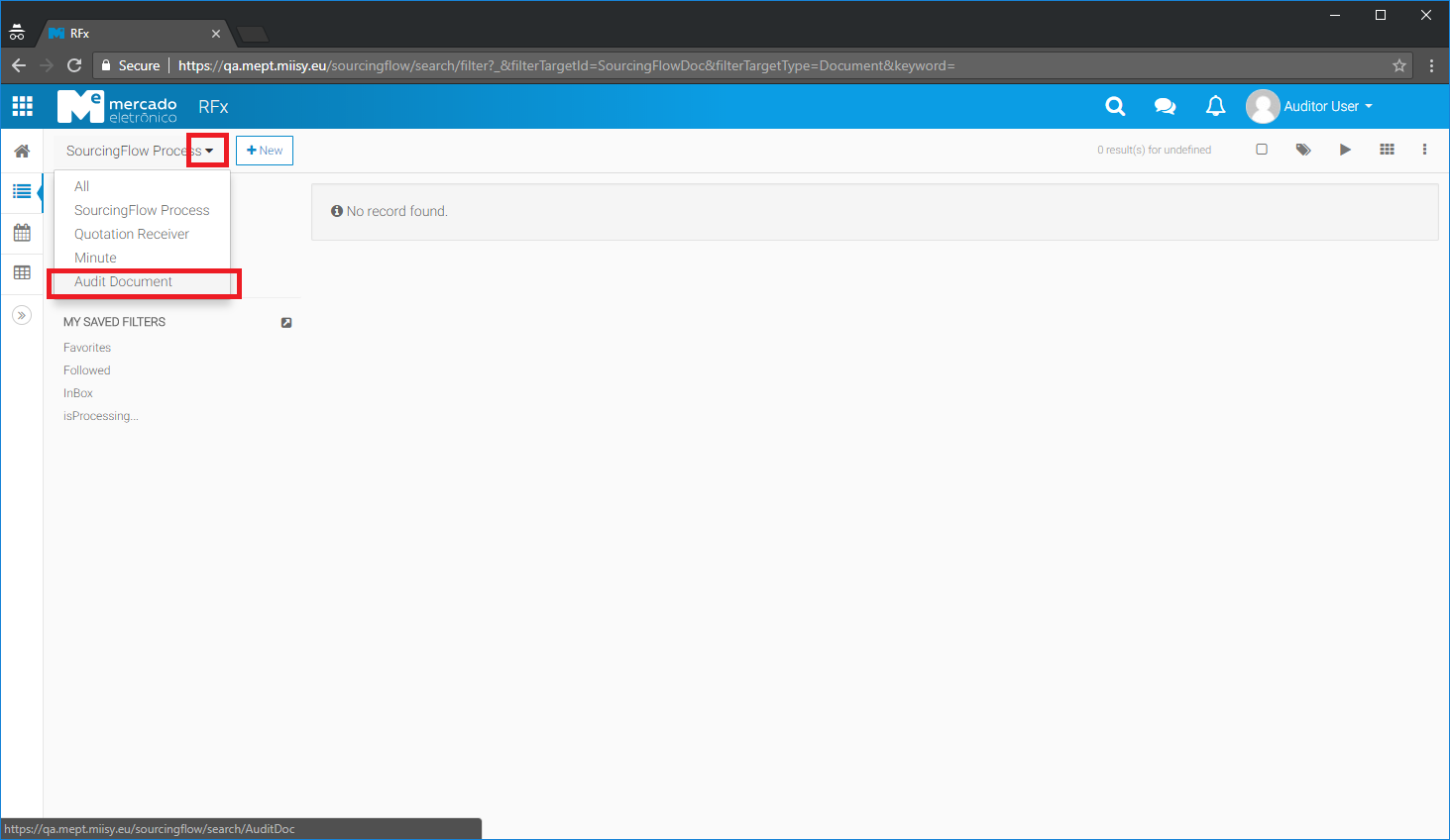
- Create a new Document
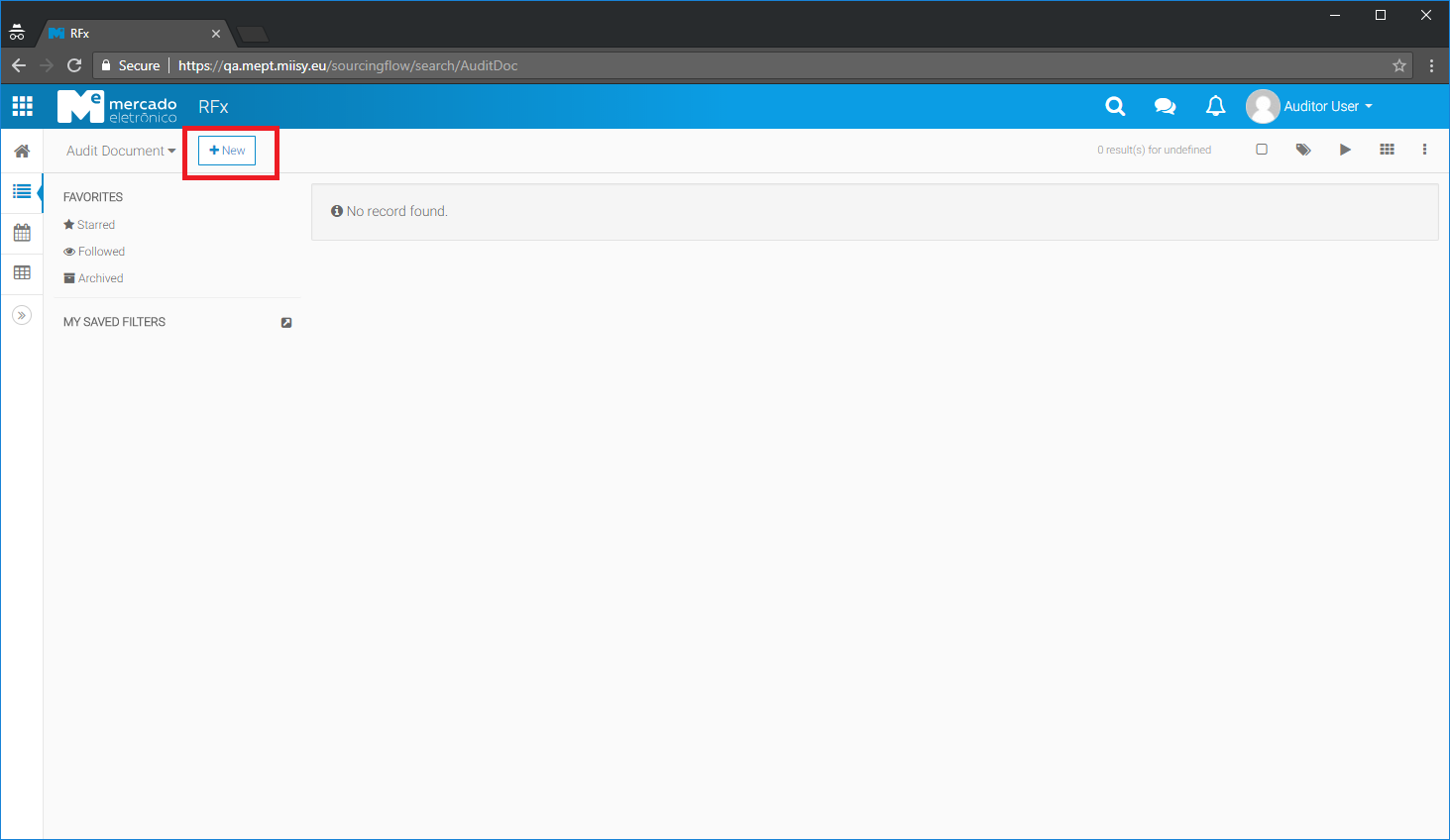
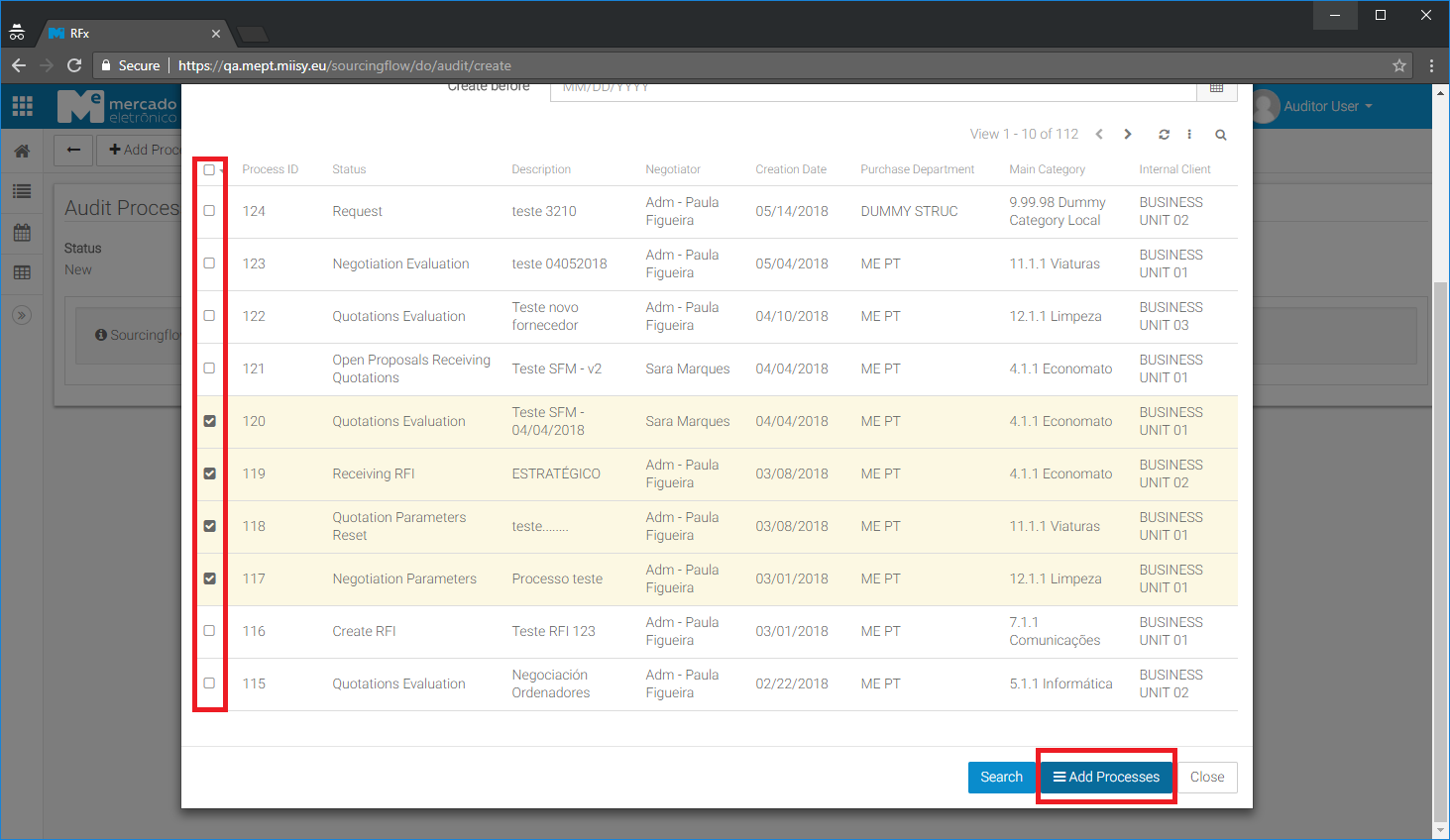
- When a new document is created the window to select the RFx process to which the auditor desire to access is immediately displayed, otherwise it can be access later thru the button "Add Processes". This also permits the user to search for specific processes that he knows before hand (id or the owner), or filter by creation date. A maximum of 1000 processes will be displayed in this search. For other processes the user need to redefine is search and use the available filters.
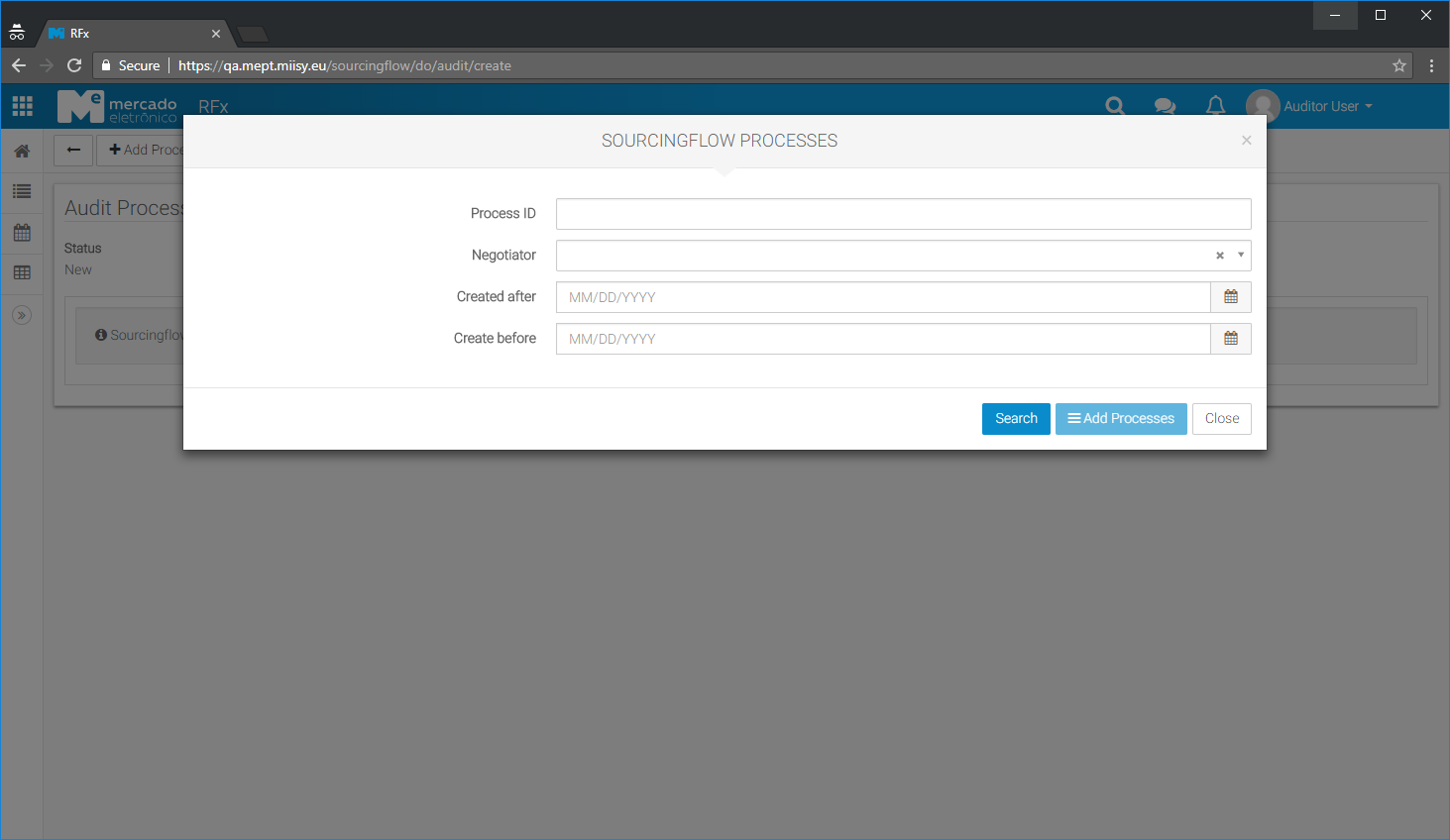
- In this window the user is able to select the line of the processes to which he wants to audit, and added them to the Audit Document with the button "Add Processes" in the dialog.
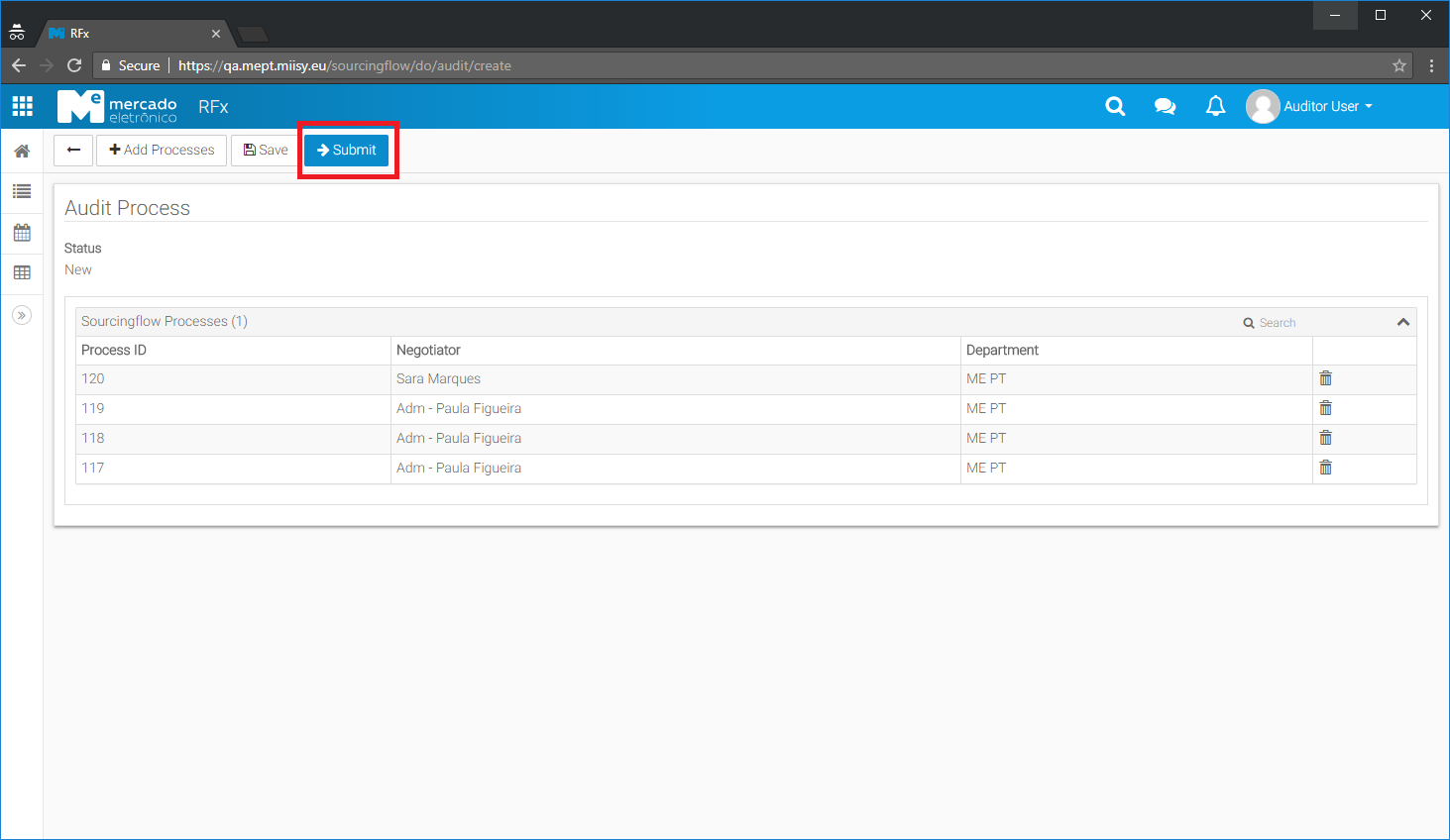
- After the processes are added the user can then submit the audit document for approval.
Approval
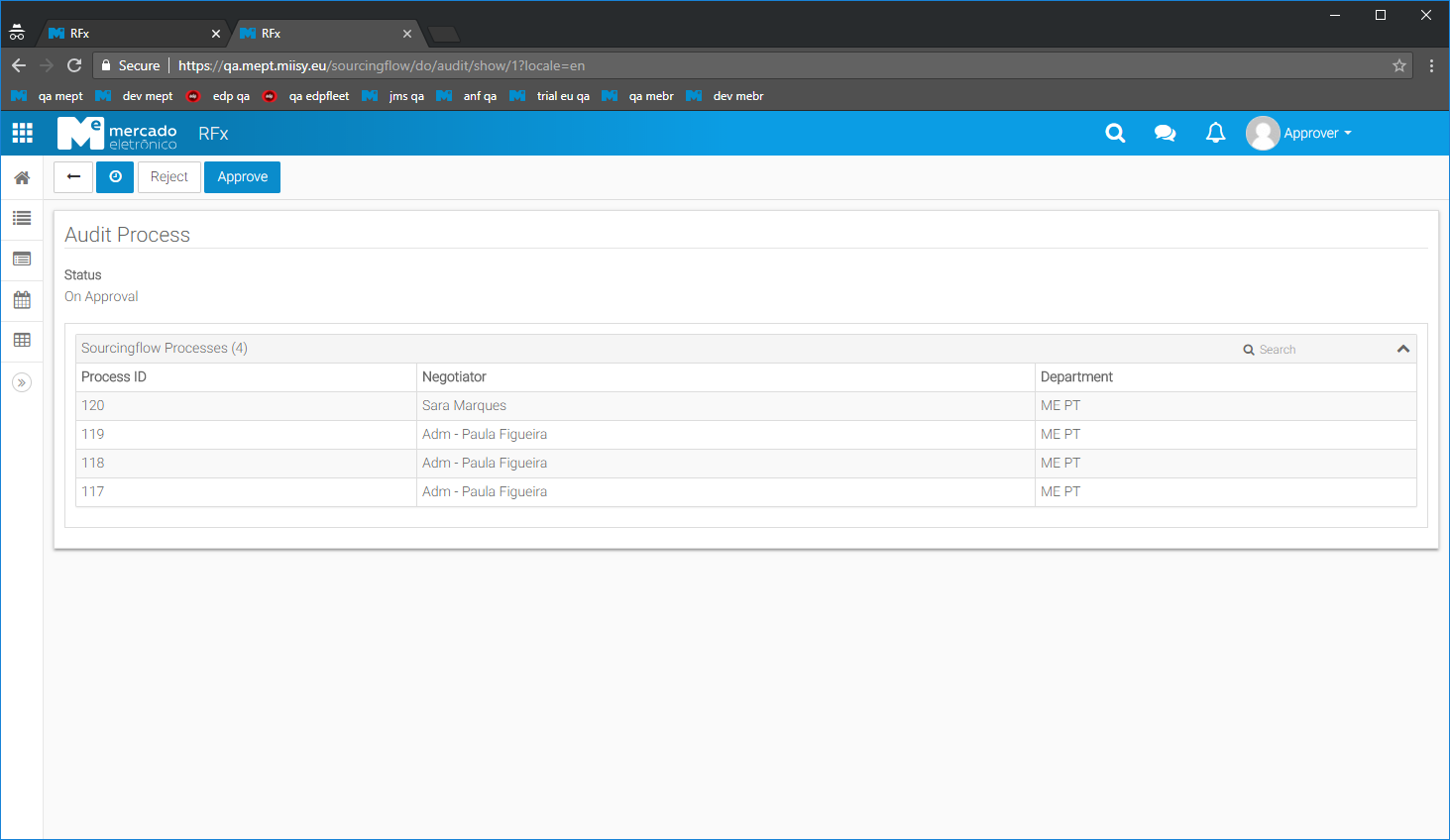
When an Audit Document is submitted for approval, the users in the group "AuditDoc Approvers" will receive a notification and will be able to accept or reject the document. - Approving the audit document grants the owner of it, the permissions to fully access the RFx processes contained in the audit document.
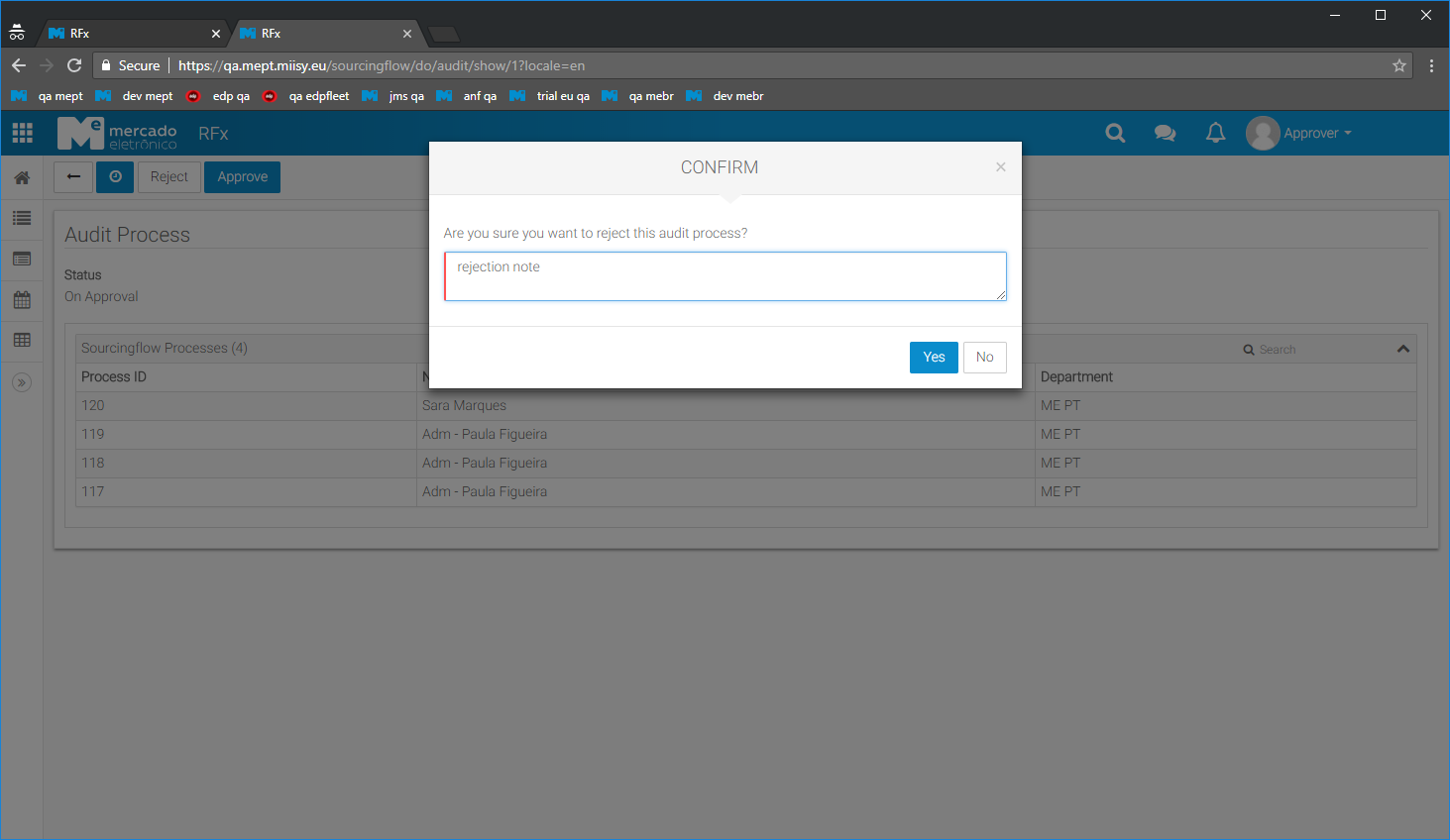
- Rejecting the audit document sends the document back to the owner for review and no permissions to RFx processes are granted.
Approved Audit Documents
While approved, the audit document grants permission to the owner to access the RFx processes contained in it.
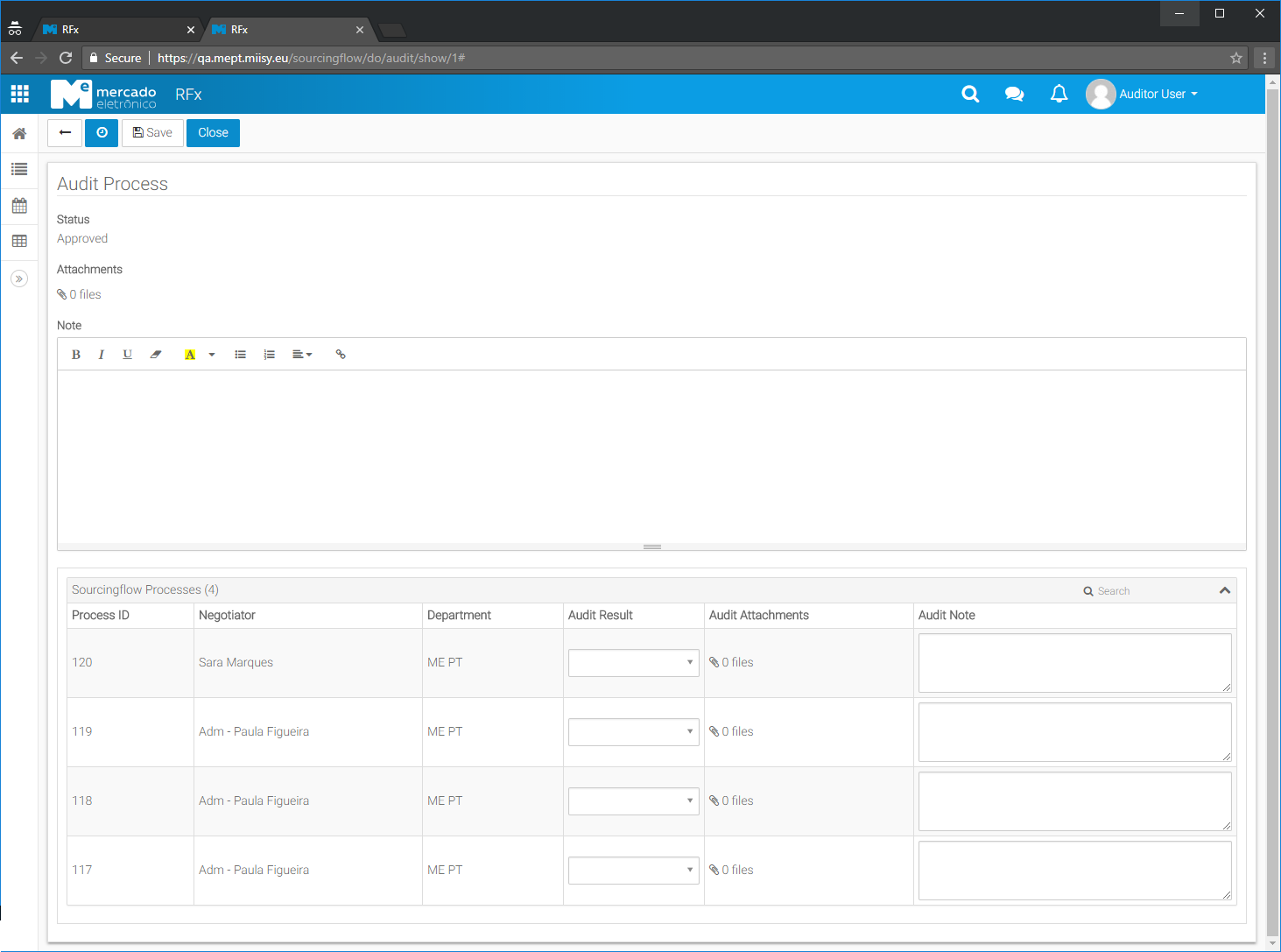
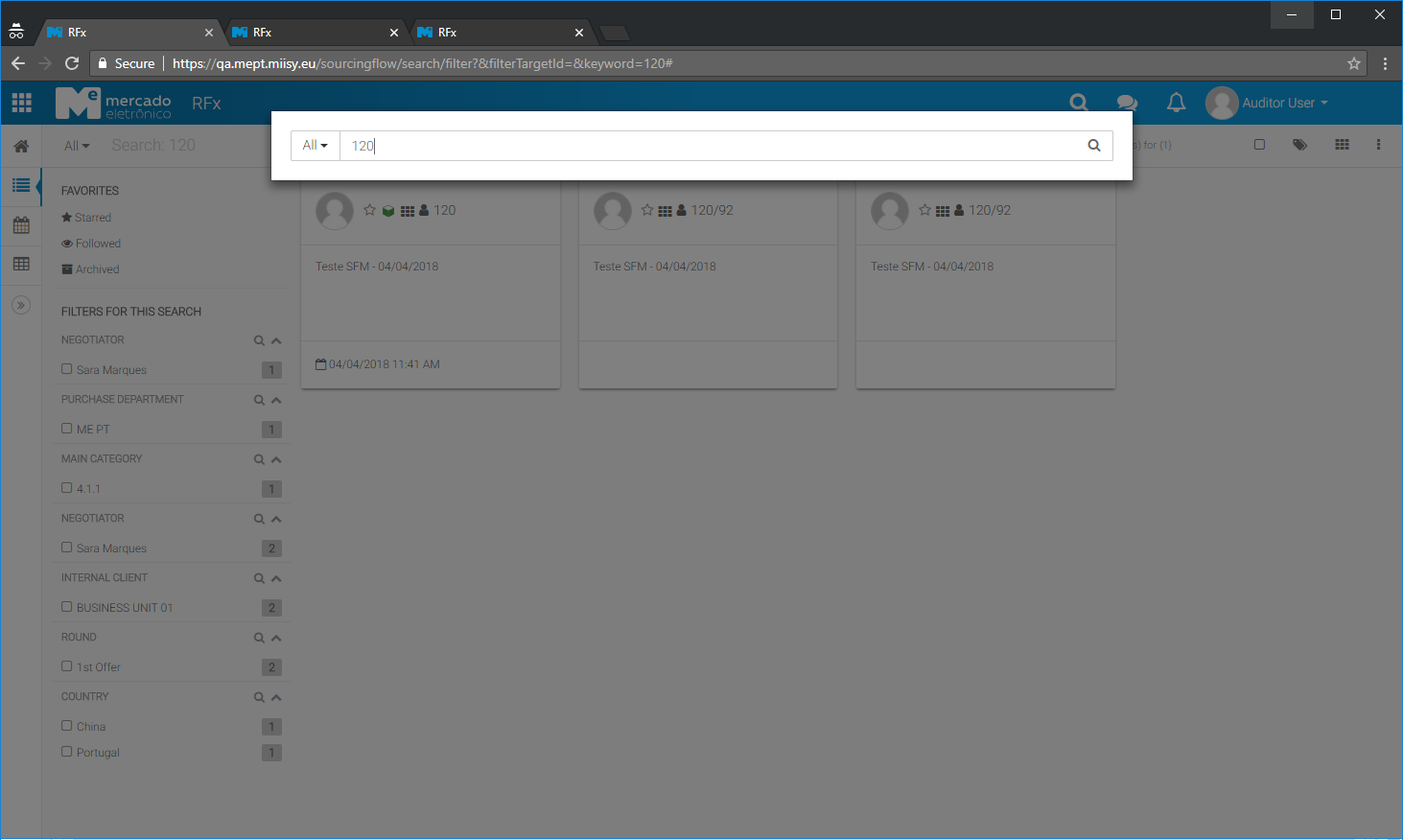
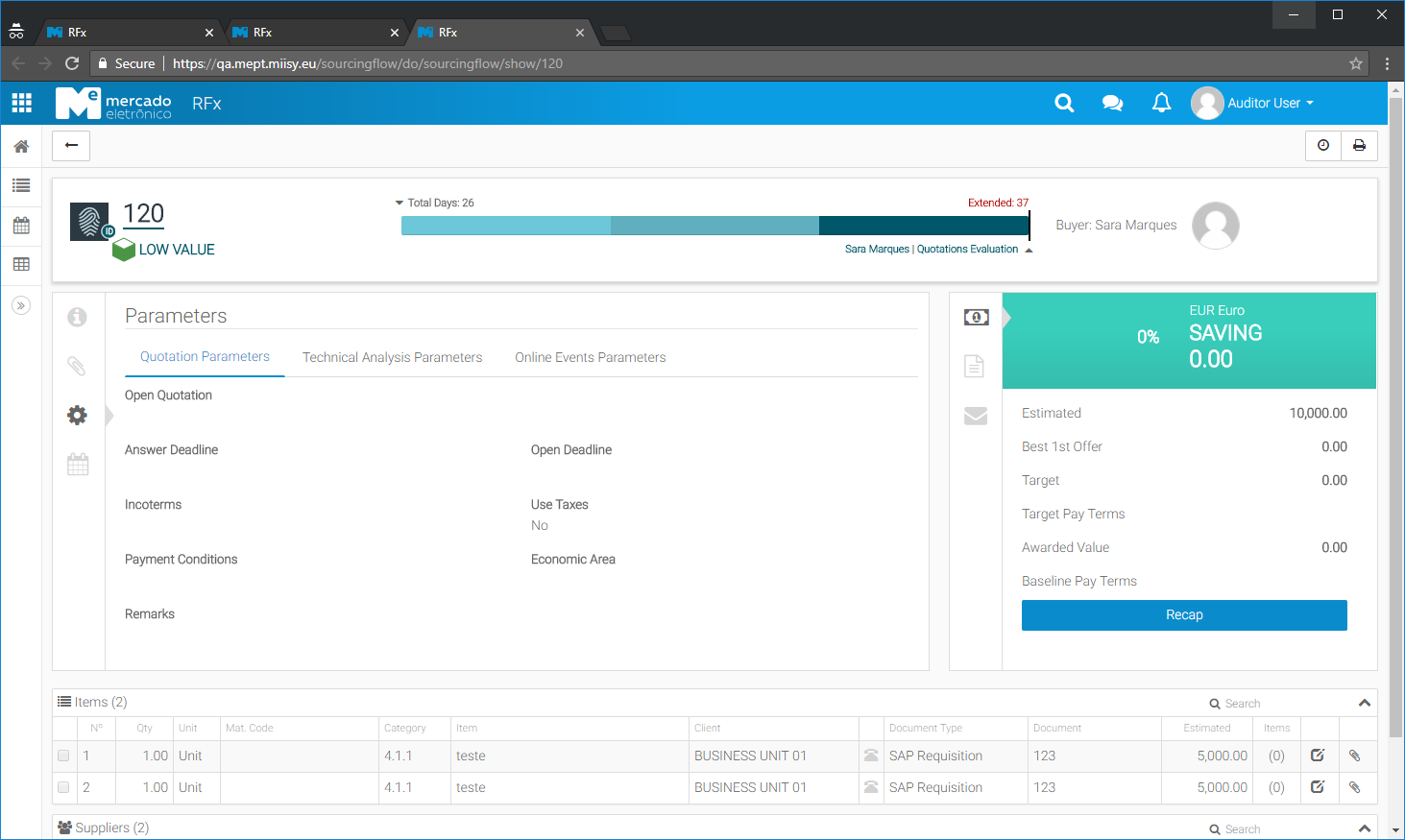
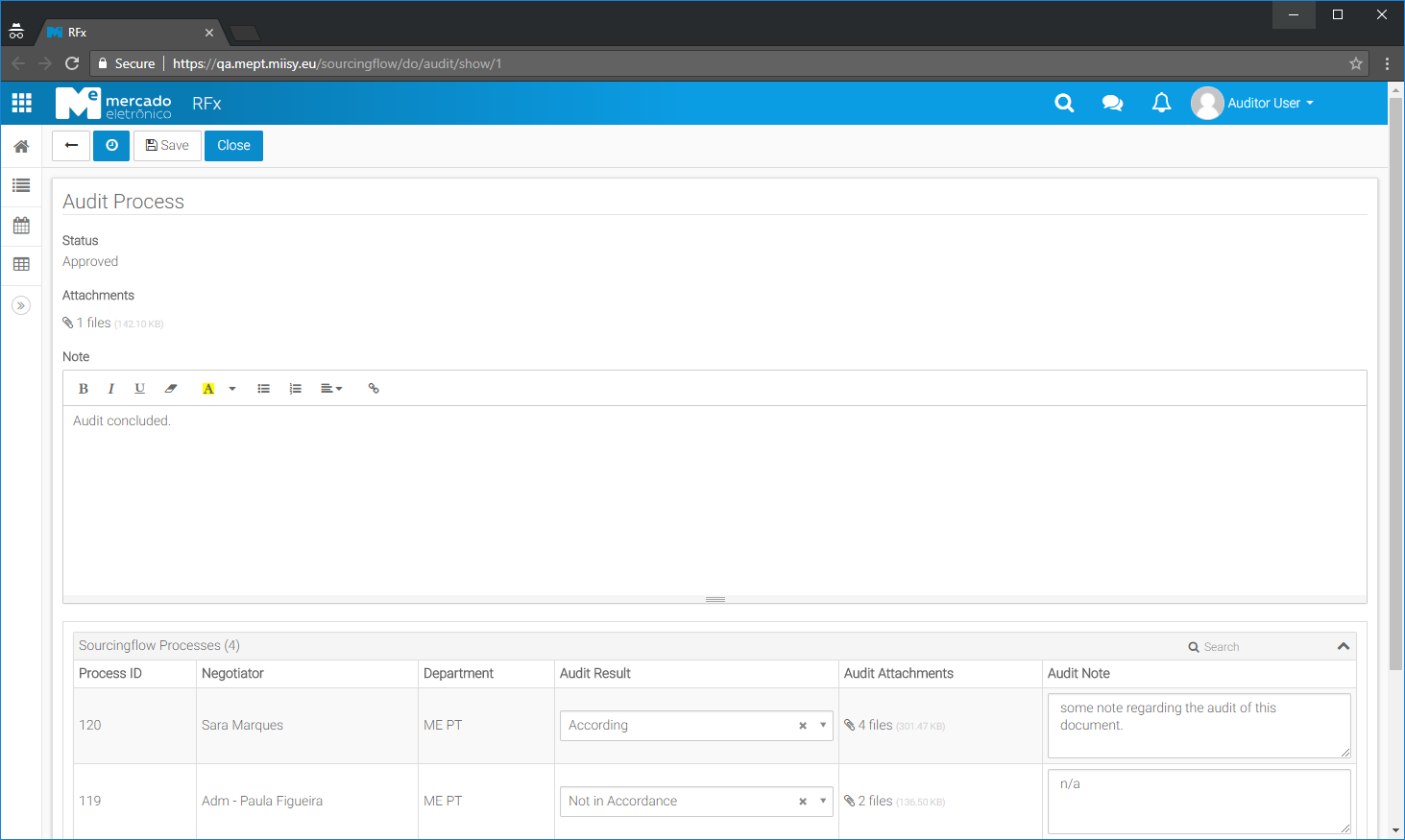
After the Audit is done, the user can register information on the document and close it. After closing all the permissions granted to the RFx processes are revoked.
Canceling Audit Documents
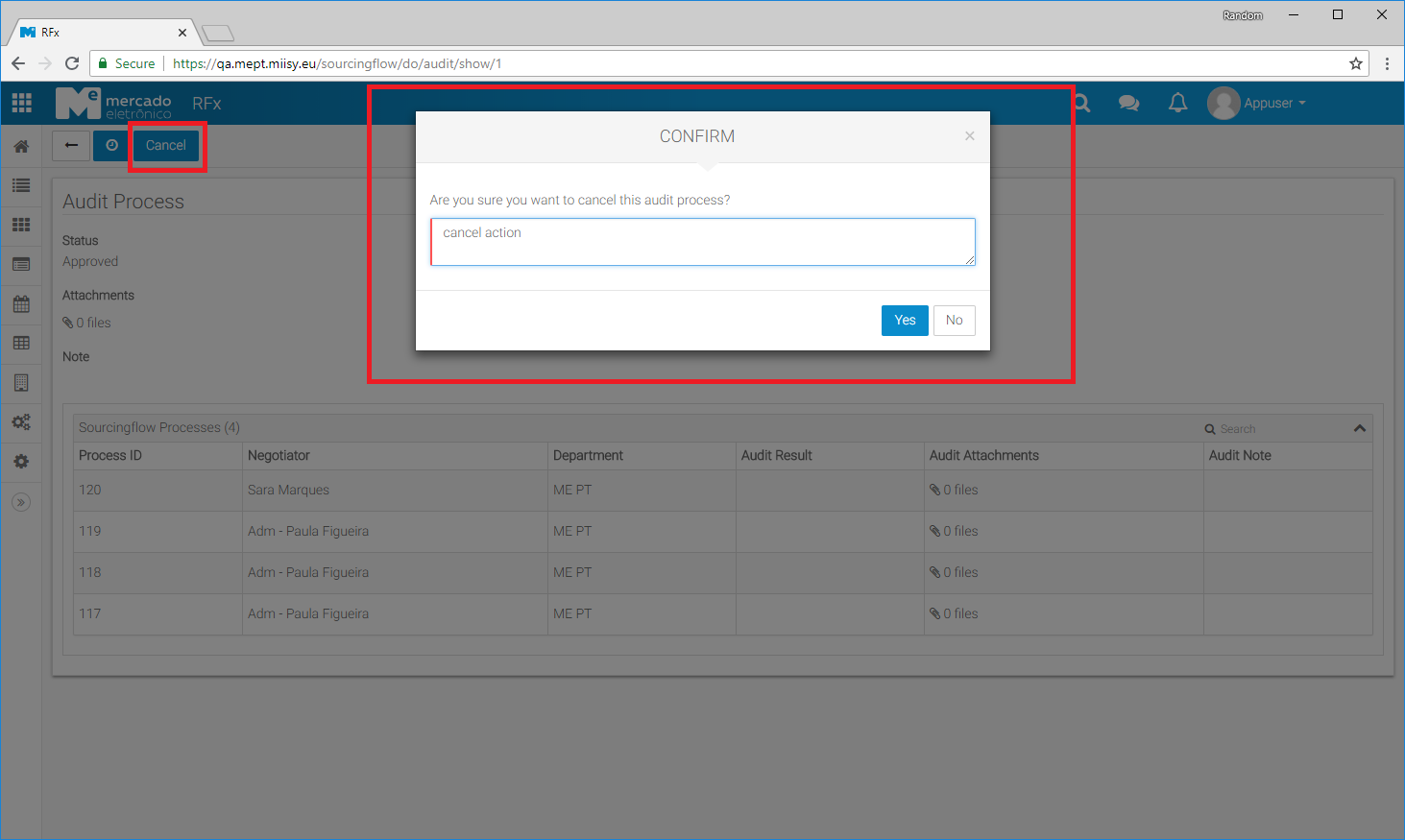
Master users can access to an Audit Document at any time and cancel it. In case the audit document is Approved, all the permissions granted are revoked when the document is canceled.
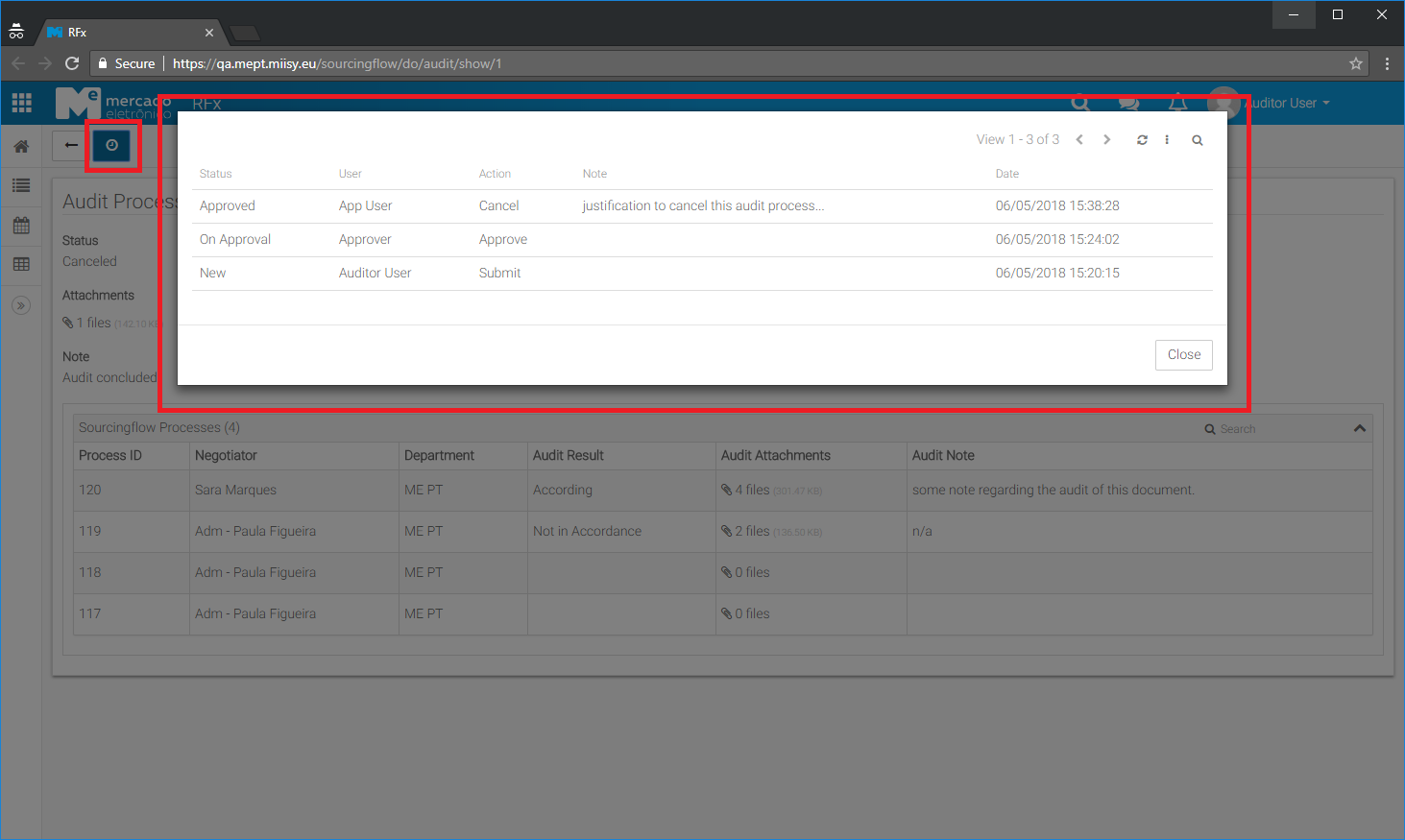
Actions Record
All actions done in an audit document are registered and able to be access at any time after its creation.