AppConfig
AppConfig is a table that enables/disables features in the application. This table has two columns:
- key: used to insert the name of the configuration;
- value: used to insert the value of the configuration provided by the key;
Possible Configurations
Send Award Notifications
After phase Confirmation Order, suppliers involved in the process can receive a notification based on the selection of at least one of the following fields:
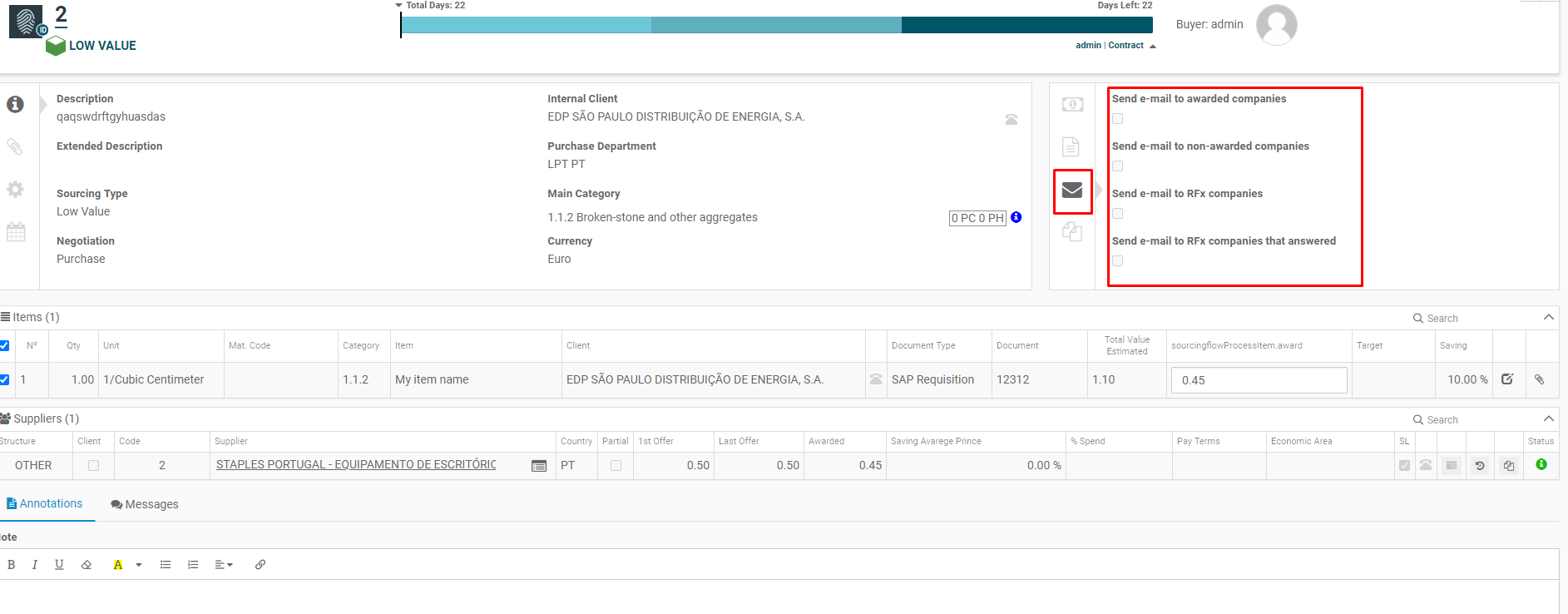
To define the exact moment where the suppliers must receive these notifications, one must insert a configuration in table AppConfig with key equal to send_award_notifications_moment. This configuration must have the column value with one of the following values:
-
after_negotiation_phase: this enables notifications to be sent right after phase Confirmation Order ends.
-
on_finish_process: this enables notifications to be sent when a process becomes archived.
Example
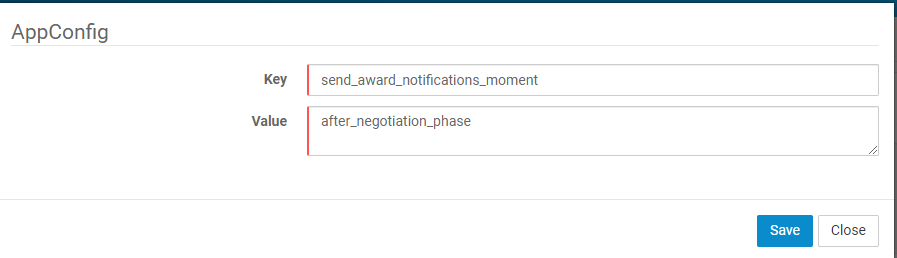
Default
If no configuration is inserted in the AppConfig table, the process will send notifications right after phase Confirmation Order ends.
Hide Complete version details from Supplier
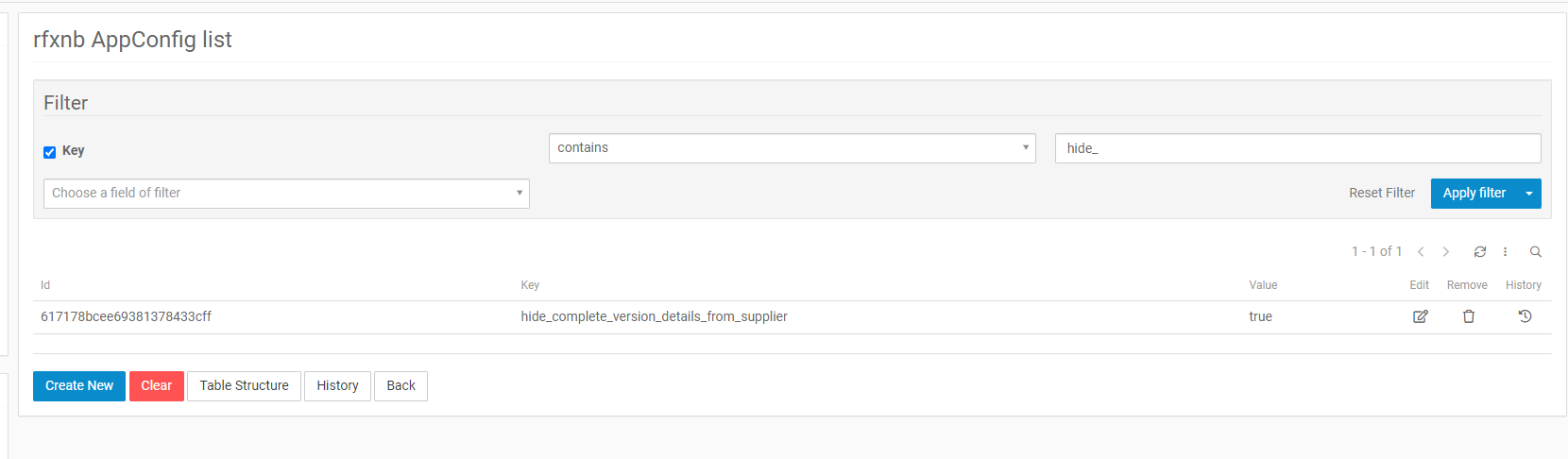
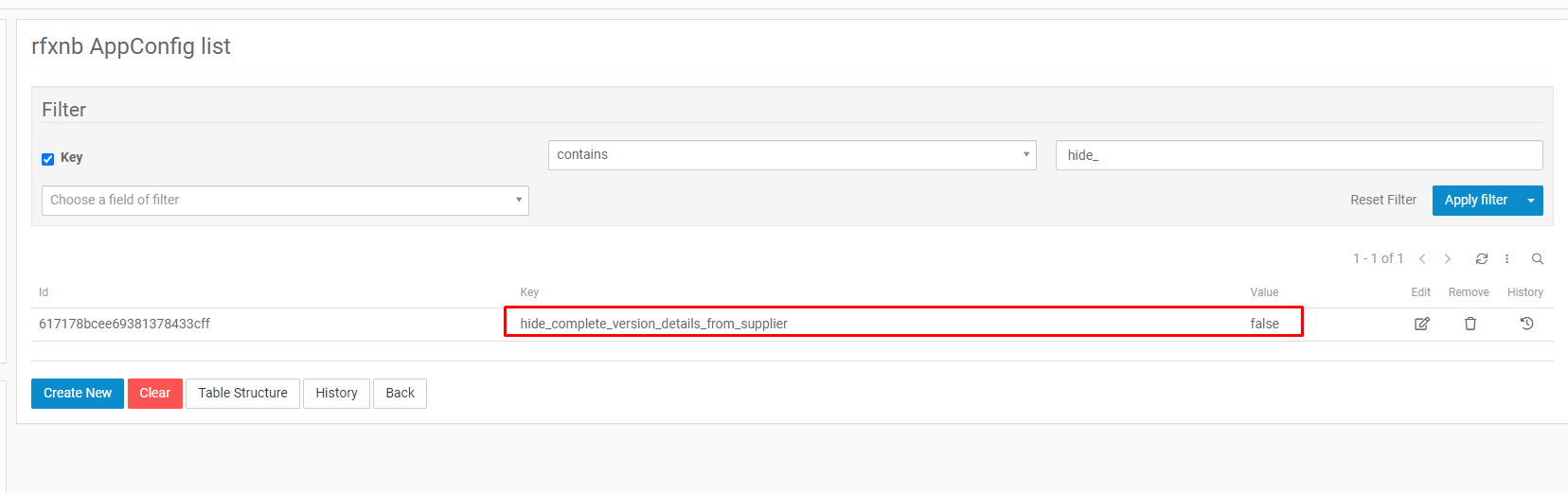
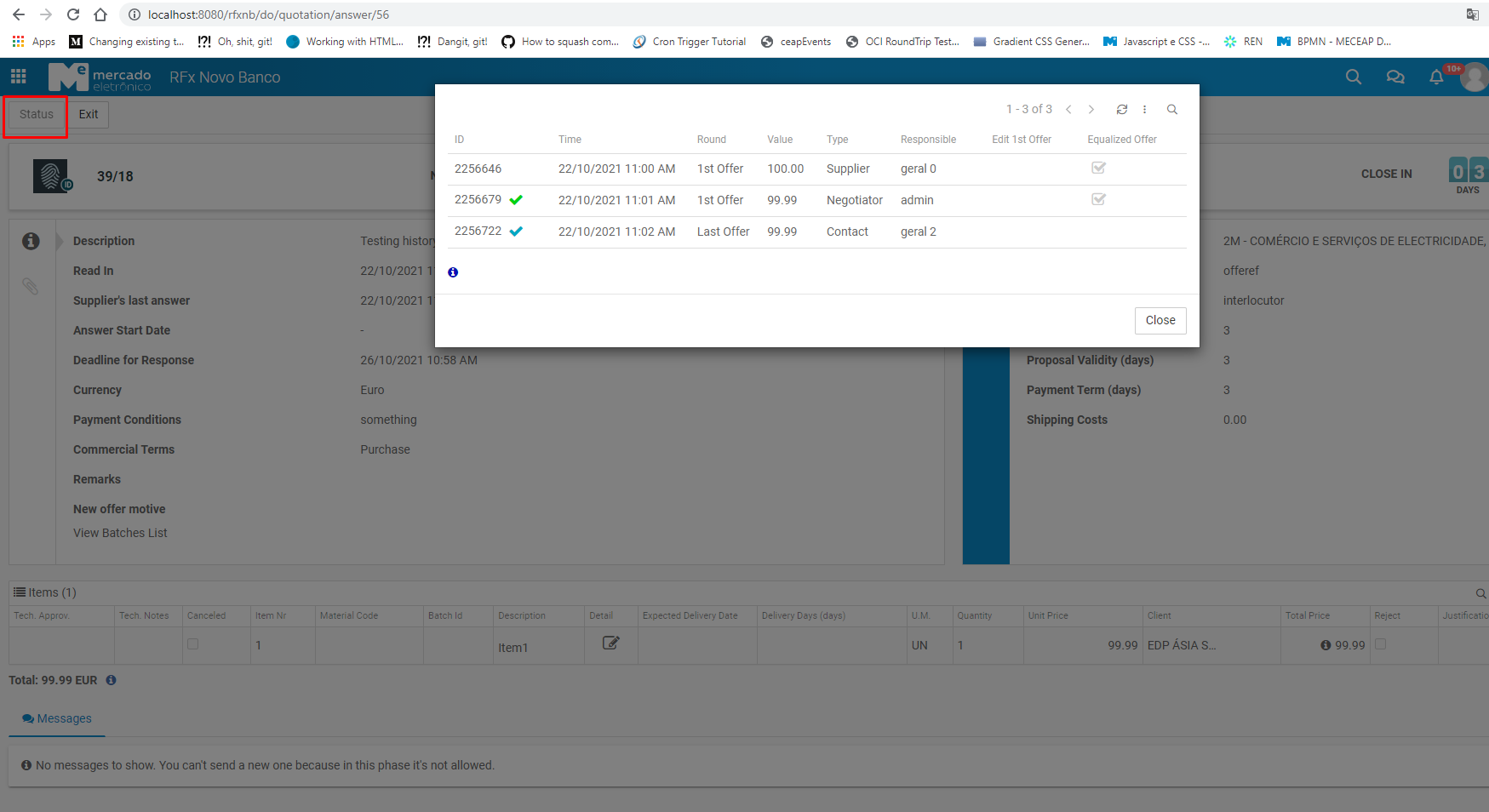
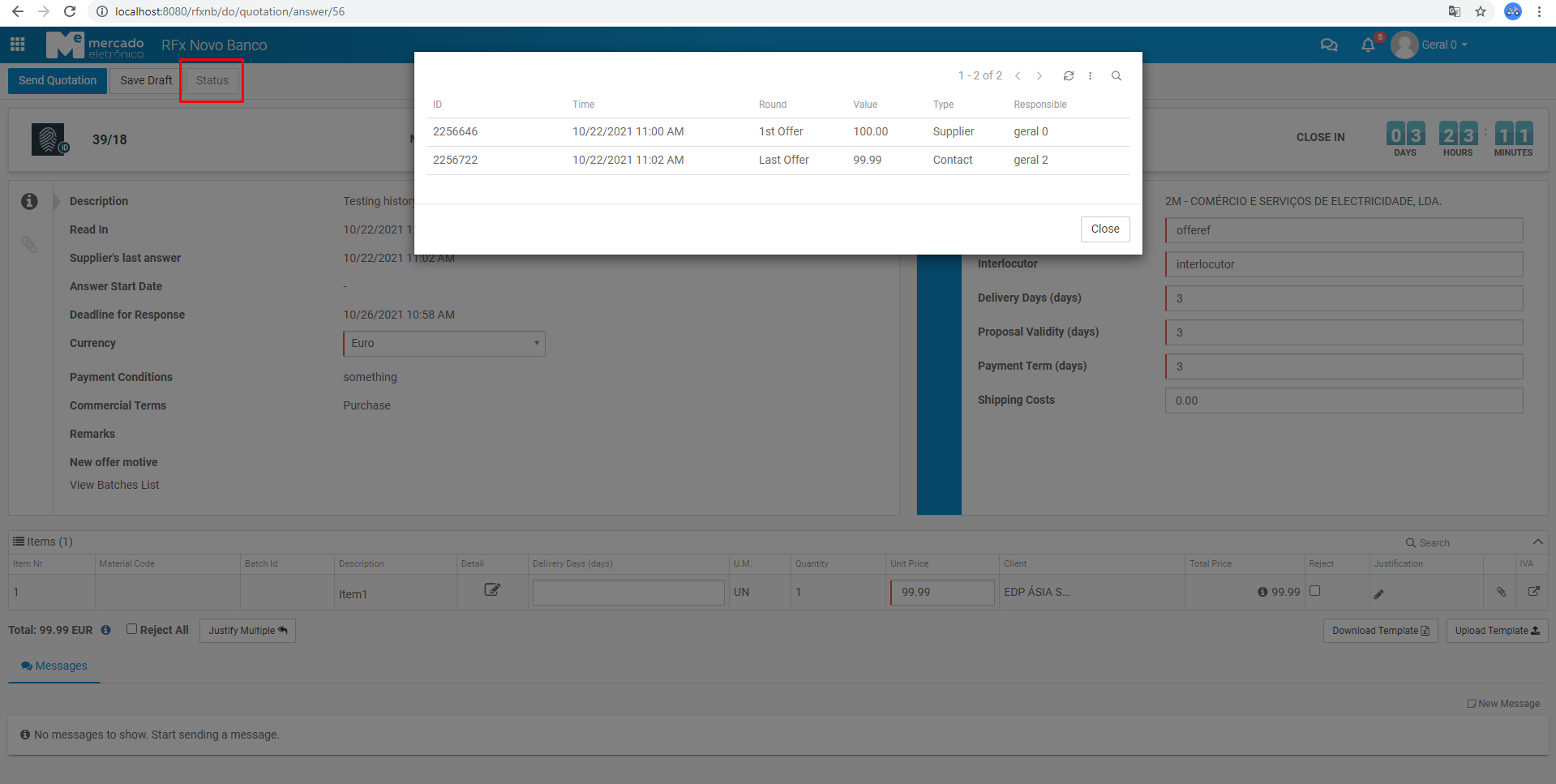
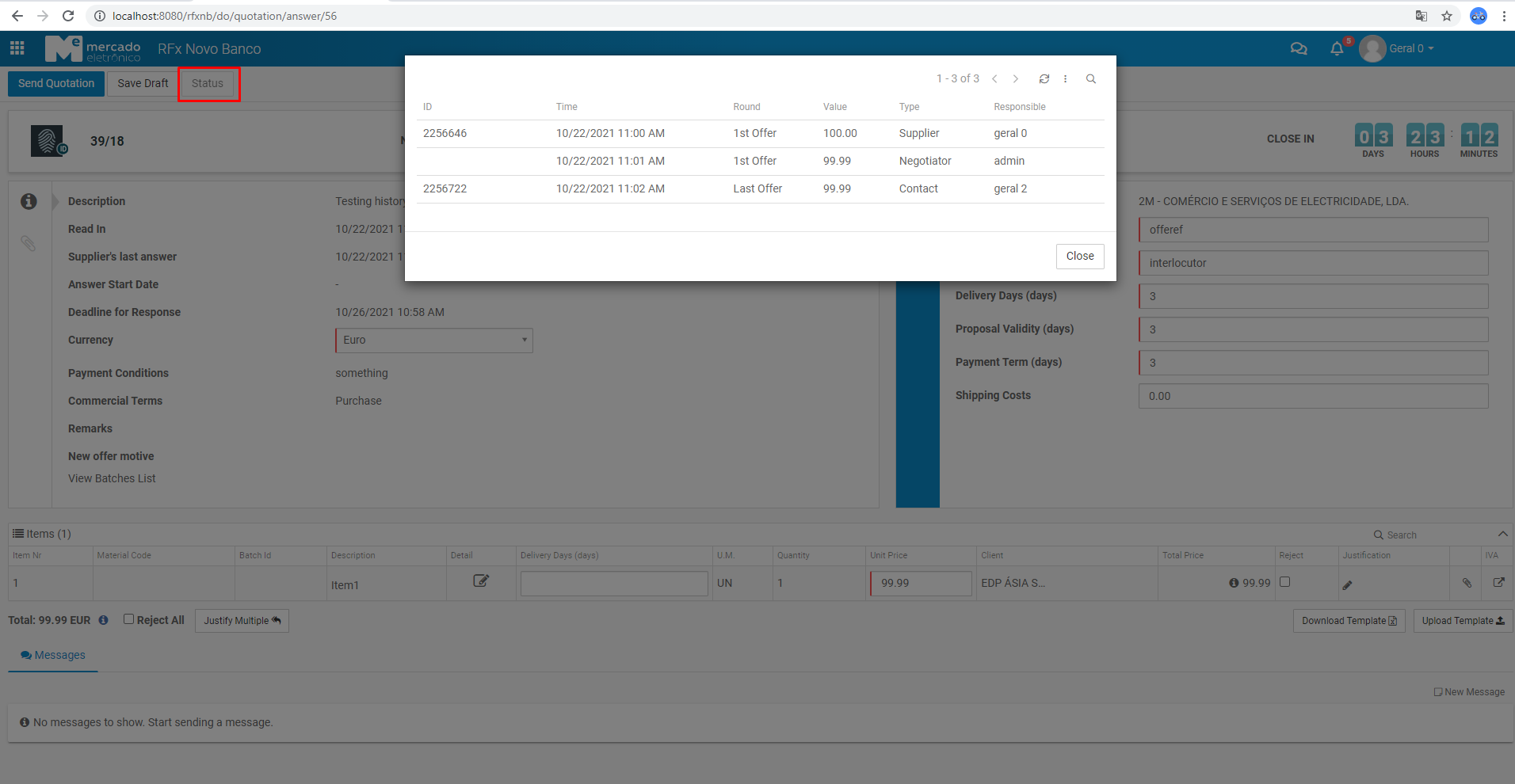
After answering a Quotation, any user that has access to the document can access its history by clicking in Status button. To enable supplier users and supplier contact users to visualize all quotation's history, including changes made by buyer user, a new key was created: hide_complete_version_details_from_supplier. This configuration can have one of the following values:
- true: This only allows supplier and supplier contact users to visualize only the changes that either of them have made to the quotation.
- false: This allows supplier and supplier contact users to visualize all changes made to the quotation changes (including buyer user changes). From the results presented, he will only be able to click on the links where he or supplier contact took action.
Configuration
True
False
Examples
True
-
buyer:
-
supplier and supplier contact:
False
-
buyer:
-
supplier and supplier contact:
Default
If no configuration is inserted in the AppConfig table, the default value will be true.